
Everything Astro can do.
A plain guide to every feature: what it does, how to use it and what to know first.
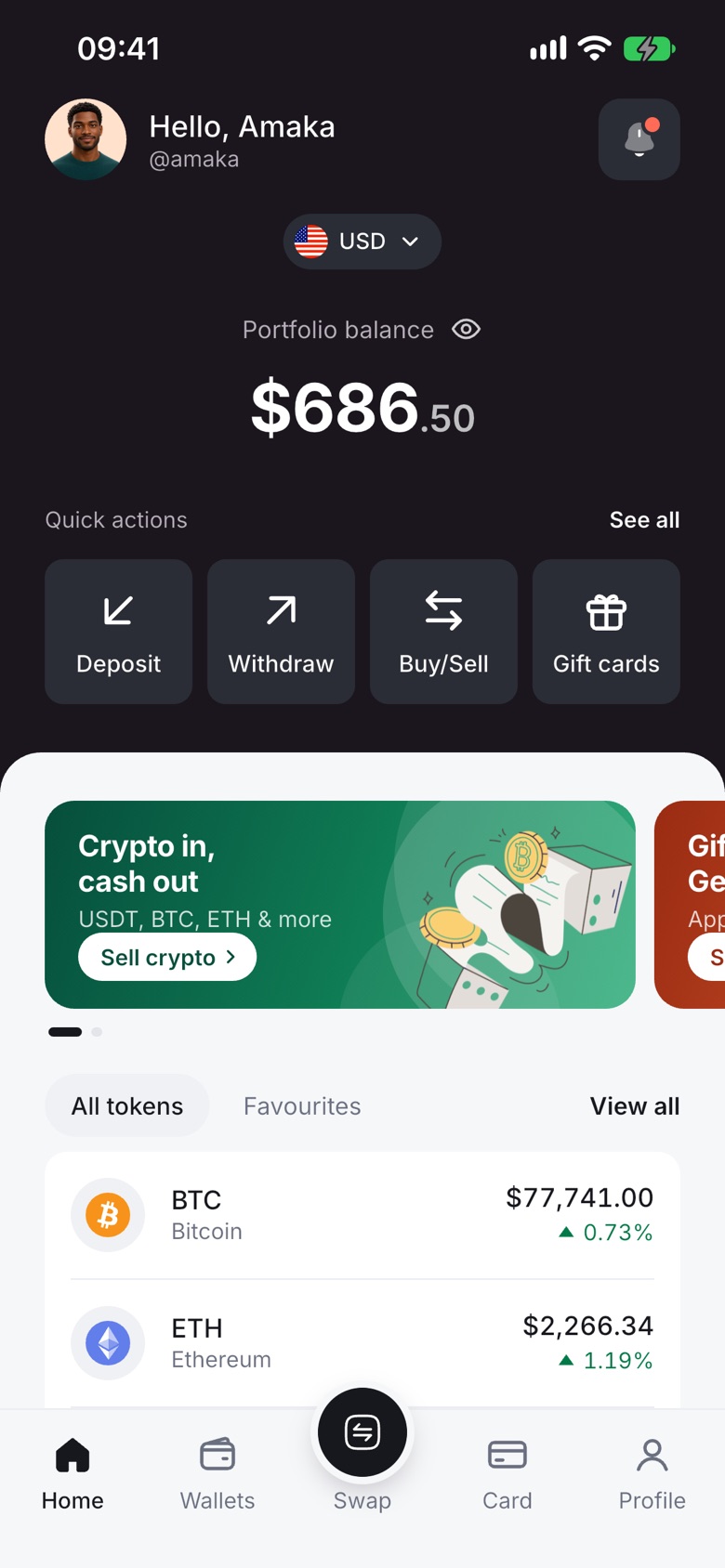
Sell crypto
Sell any supported coin for naira or cedis and get paid to your bank account or mobile money.
How it works
- Open the coin you want to sell and tap Sell.
- Enter the amount. The app shows what you'll receive.
- Pick where to get paid and confirm.
Good to know
- Nigeria: naira to Nigerian bank accounts, including OPay and Palmpay.
- Ghana: cedis to MTN MoMo, Vodafone Cash or AirtelTigo Money. Ghana bank payouts are paused for now.
- Eligible payouts can arrive in as fast as 60 seconds under normal conditions. Ghana mobile money payouts can take longer.
- Payouts run on weekends and public holidays too.
Buy crypto
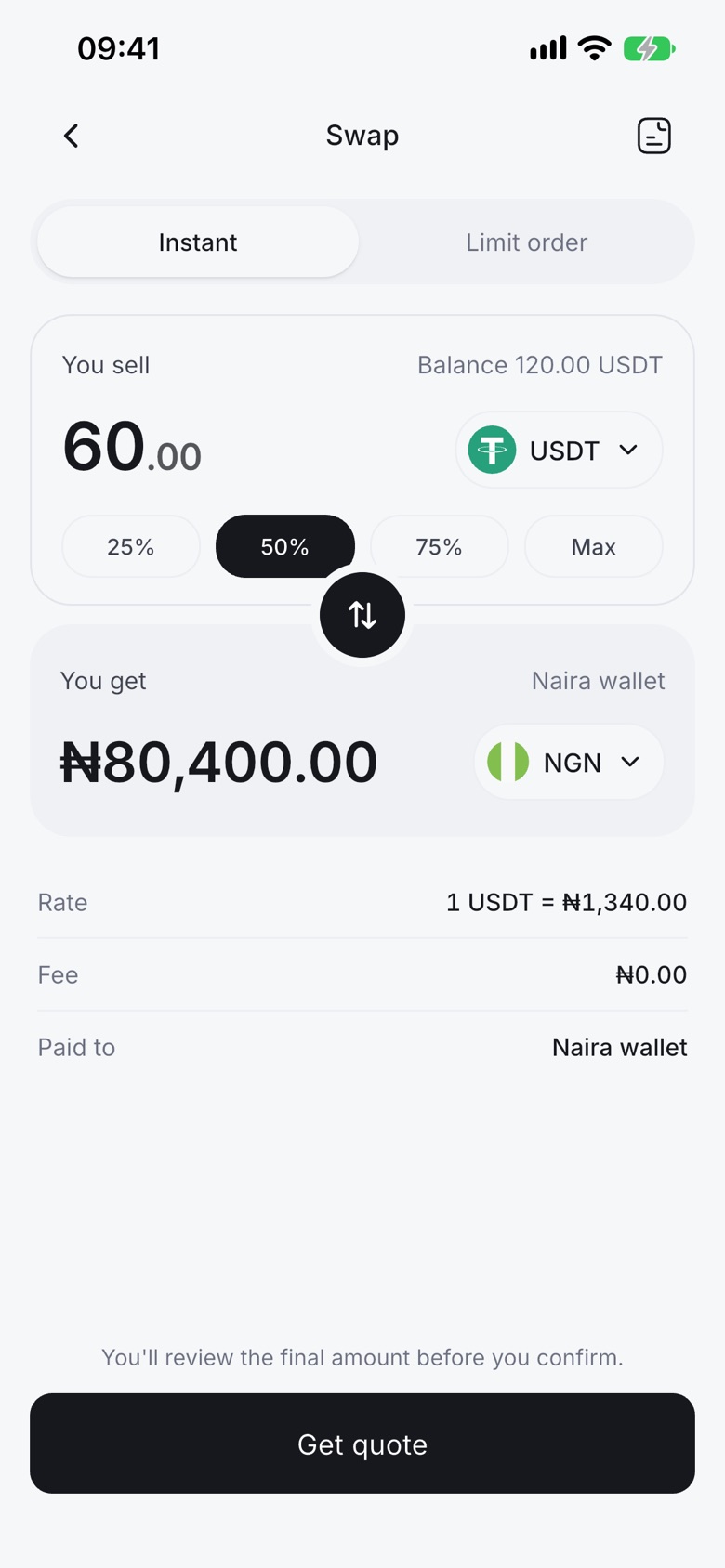
Buy crypto straight from your local balance. Many apps only let you sell; Astro lets you do both.
How it works
- Open Instant Swap from your naira or cedis wallet.
- Choose the coin you want and enter the amount.
- Review and confirm. The coin lands in your Astro wallet.
Good to know
- Nigeria: fund your naira wallet, then buy.
- Ghana: buy with the cedis already in your balance, for example from a crypto or gift card sale.
Instant Swap
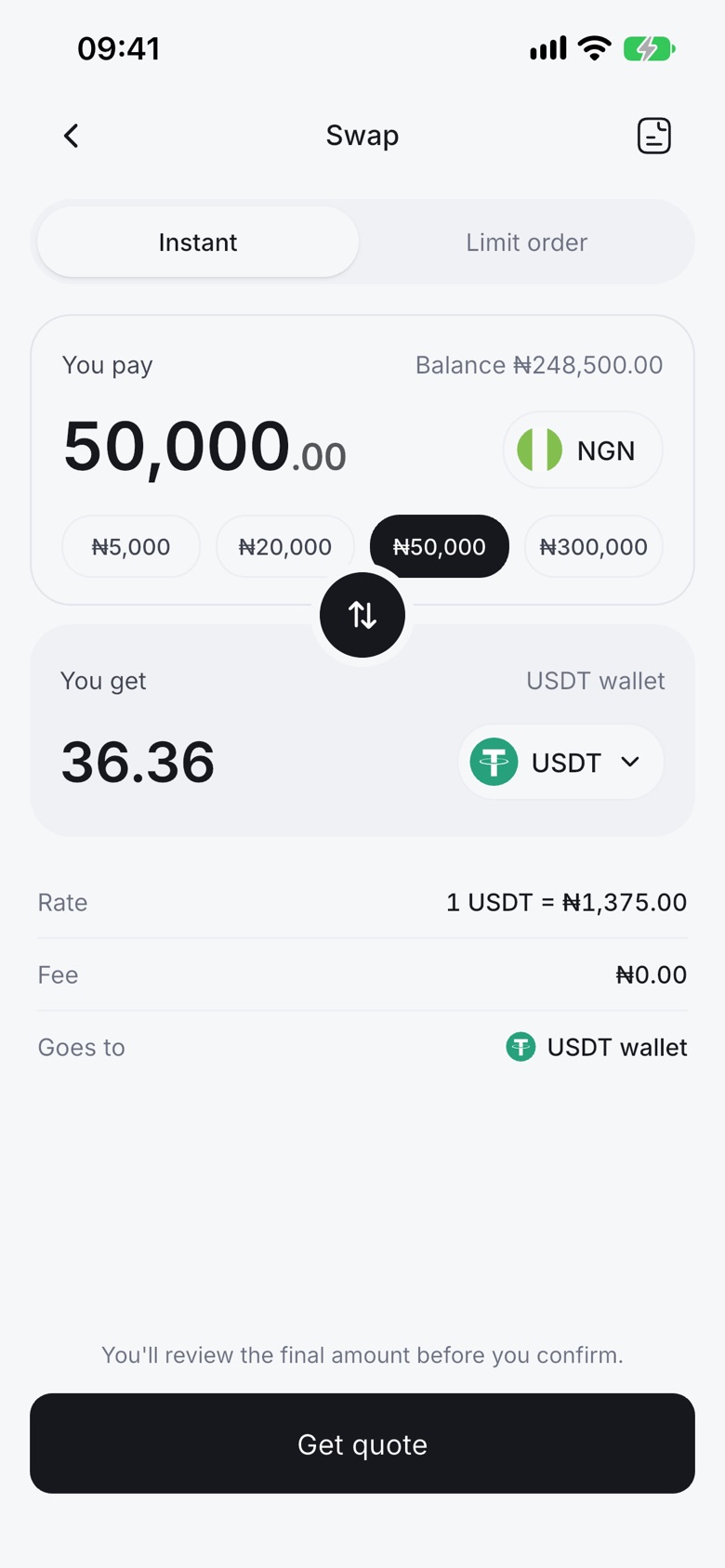
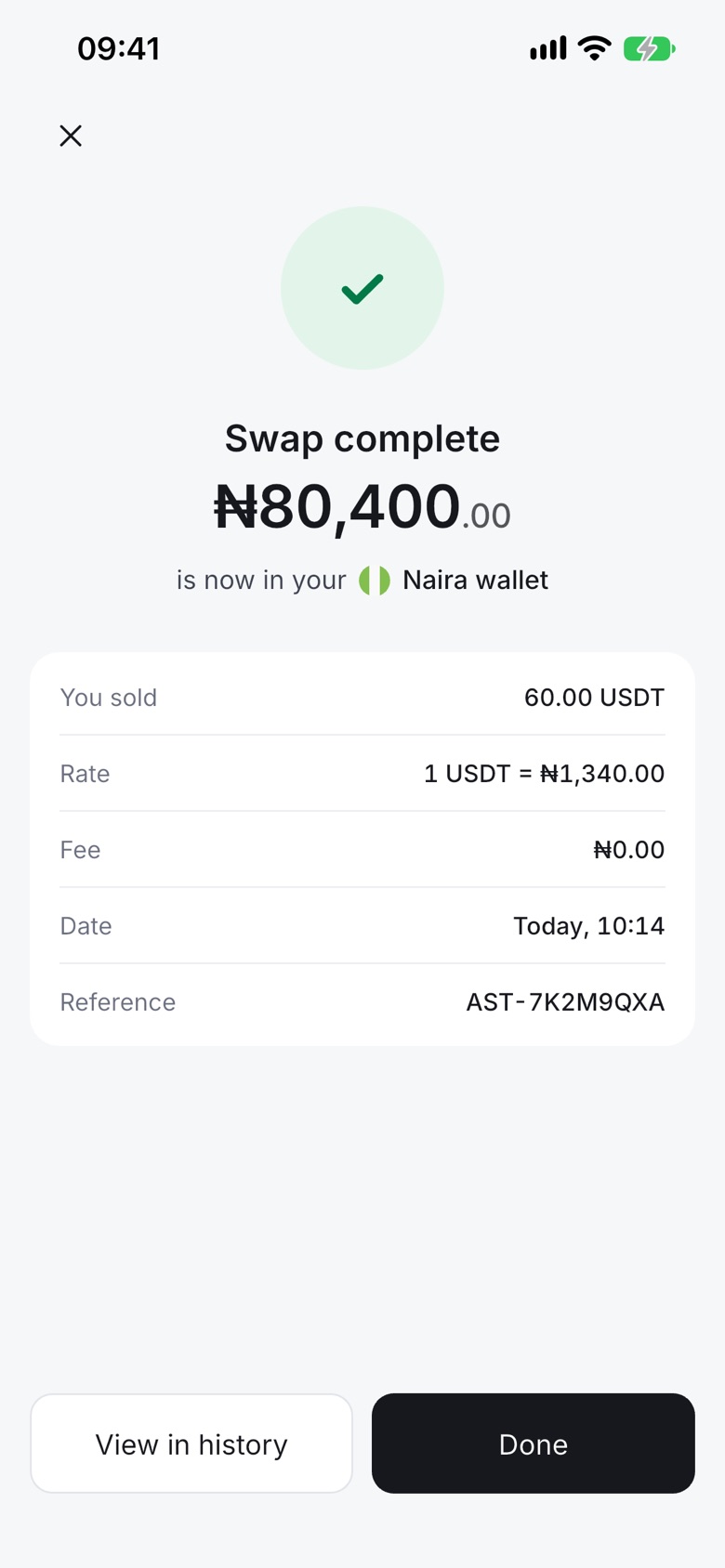
Move between coins in seconds, or between crypto and cash.
How it works
- Pick the coin you have and the coin or currency you want.
- See the amount you'll get.
- Confirm.
Good to know
- Crypto to crypto, crypto to naira or cedis, and naira or cedis to crypto.
- Every supported coin can be sold for naira or cedis.
- You see any fee before you confirm.
Limit orders
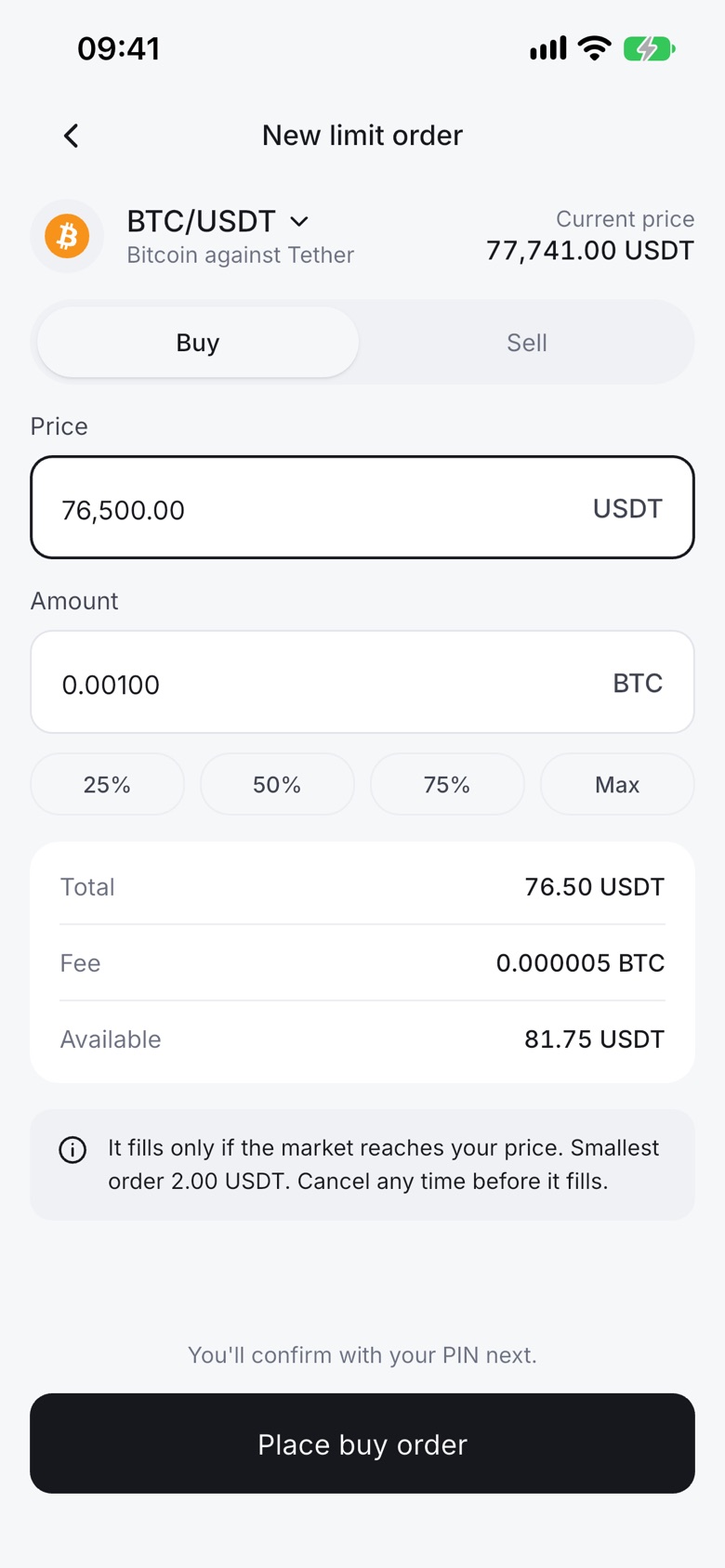
Set the price you want for a crypto-to-crypto trade, and let the order fill when the market reaches it.
How it works
- Open Trade and choose Limit order.
- Pick the pair, for example USDT to BTC.
- Set your price and amount, then place the order.
Good to know
- Limit orders are for crypto-to-crypto trades only. They don't set a naira or cedis cash-out rate.
- If your price is far from the current price, the app warns you before you place it.
- You can see open and past orders in the app.
Automated Payment
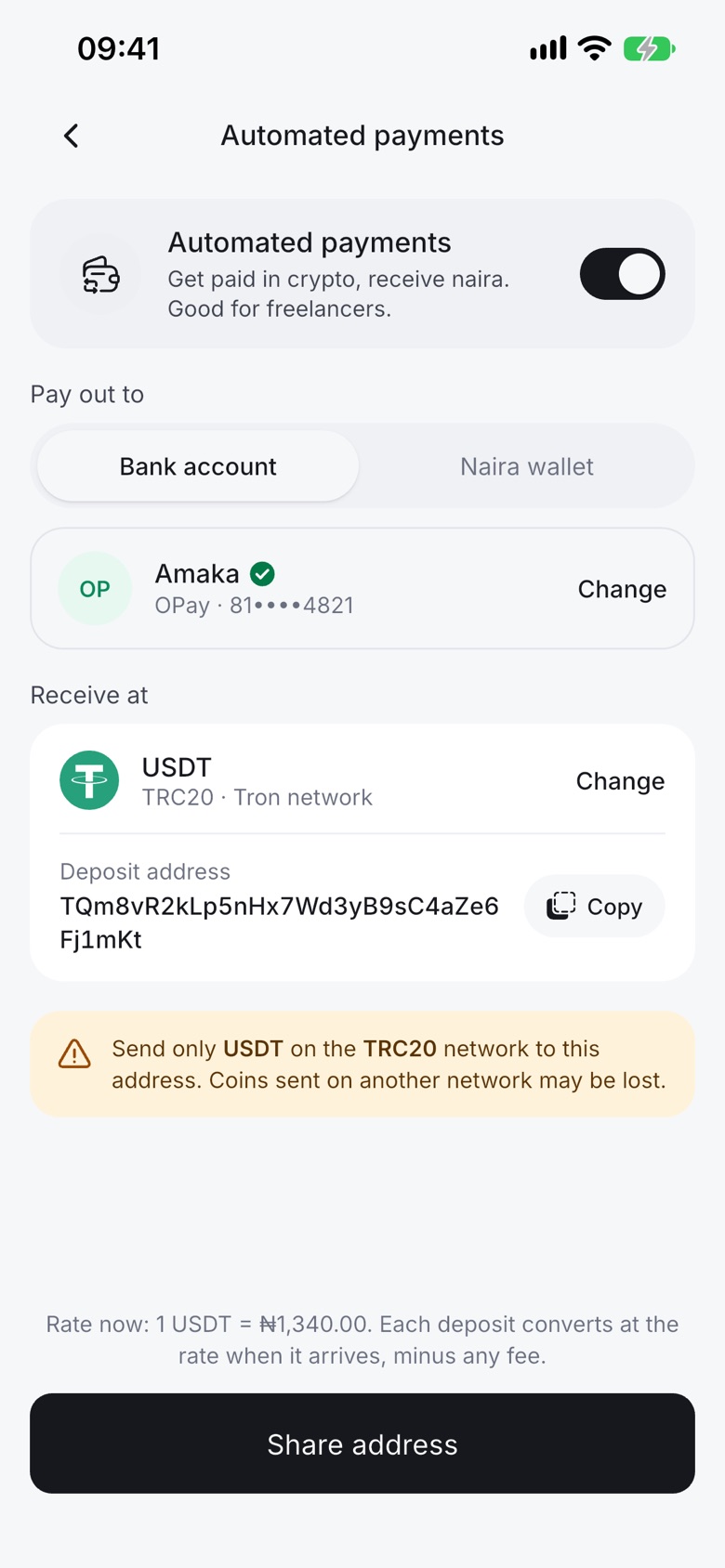
Made for freelancers and remote workers. Crypto that arrives in your Astro wallet turns into naira and goes to your chosen payout method on its own.
How it works
- Open Automated Payment and turn it on.
- Choose the coins it should cover.
- Pick where the naira goes, then confirm with your PIN.
Good to know
- Each deposit is paid out once.
- The usual withdrawal fee and the ₦300 smallest withdrawal apply.
- Available in Nigeria.
Payment links
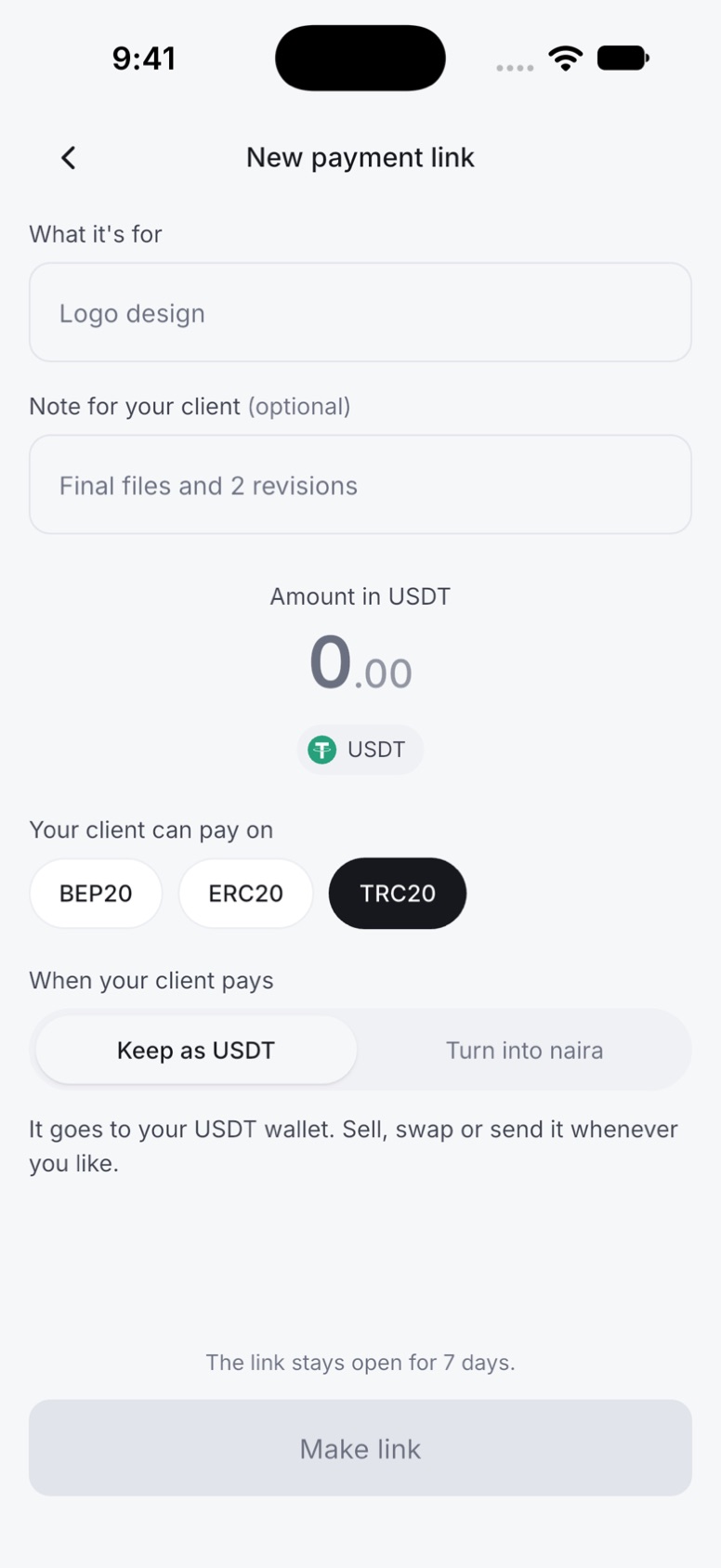
Made for freelancers. Create a link for a job, send it to your client, and get paid in USDT without sharing long wallet addresses.
How it works
- Open Payment links and tap New payment link.
- Say what it's for, set the amount and pick the networks your client can pay on.
- Choose to keep it as USDT or turn it into naira, then share the link.
Good to know
- Each link gets a clear address with your Astro Tag and the job name.
- Your client pays USDT on TRC20, BEP20 or ERC20.
- A link stays open for 7 days.
- Coming soon. We'll announce it in the app when it's live.
Wallet
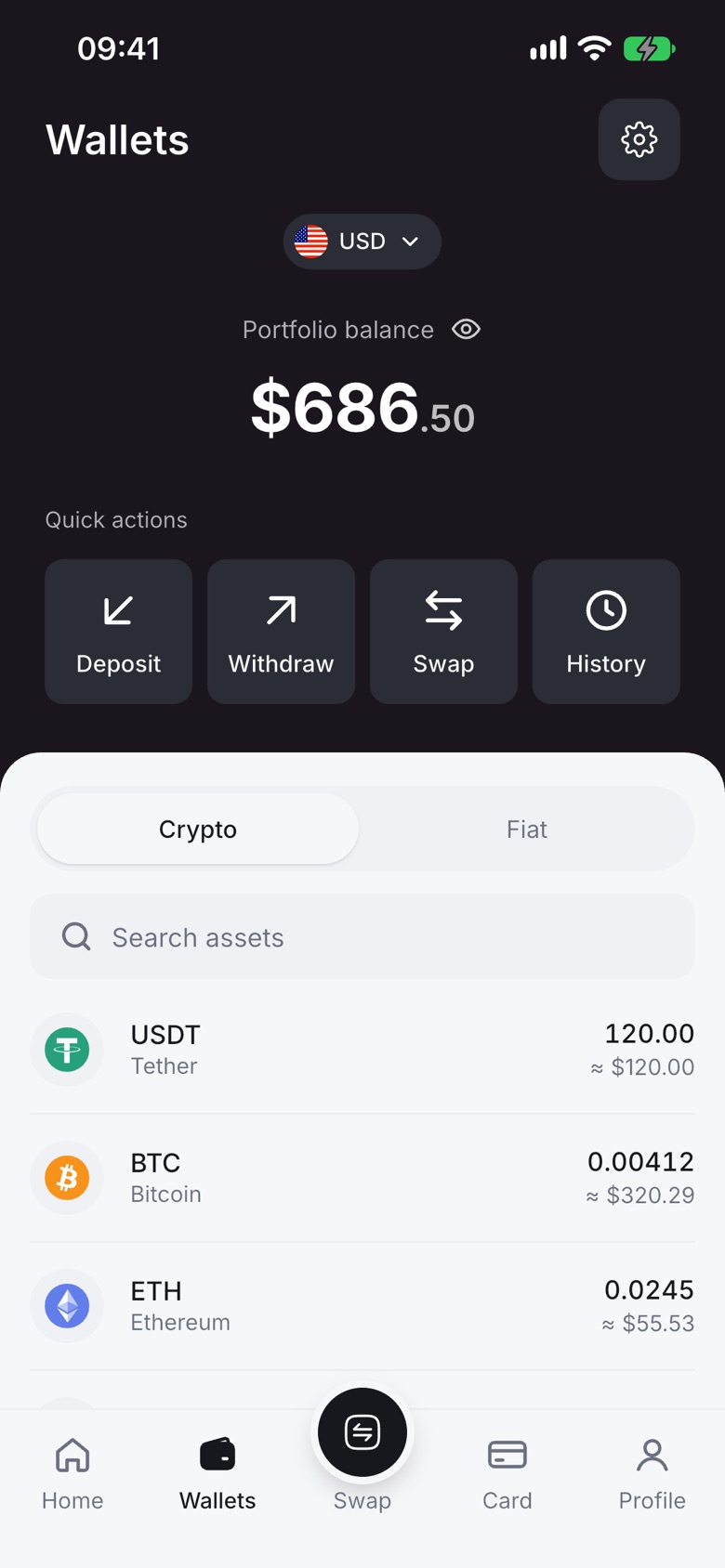
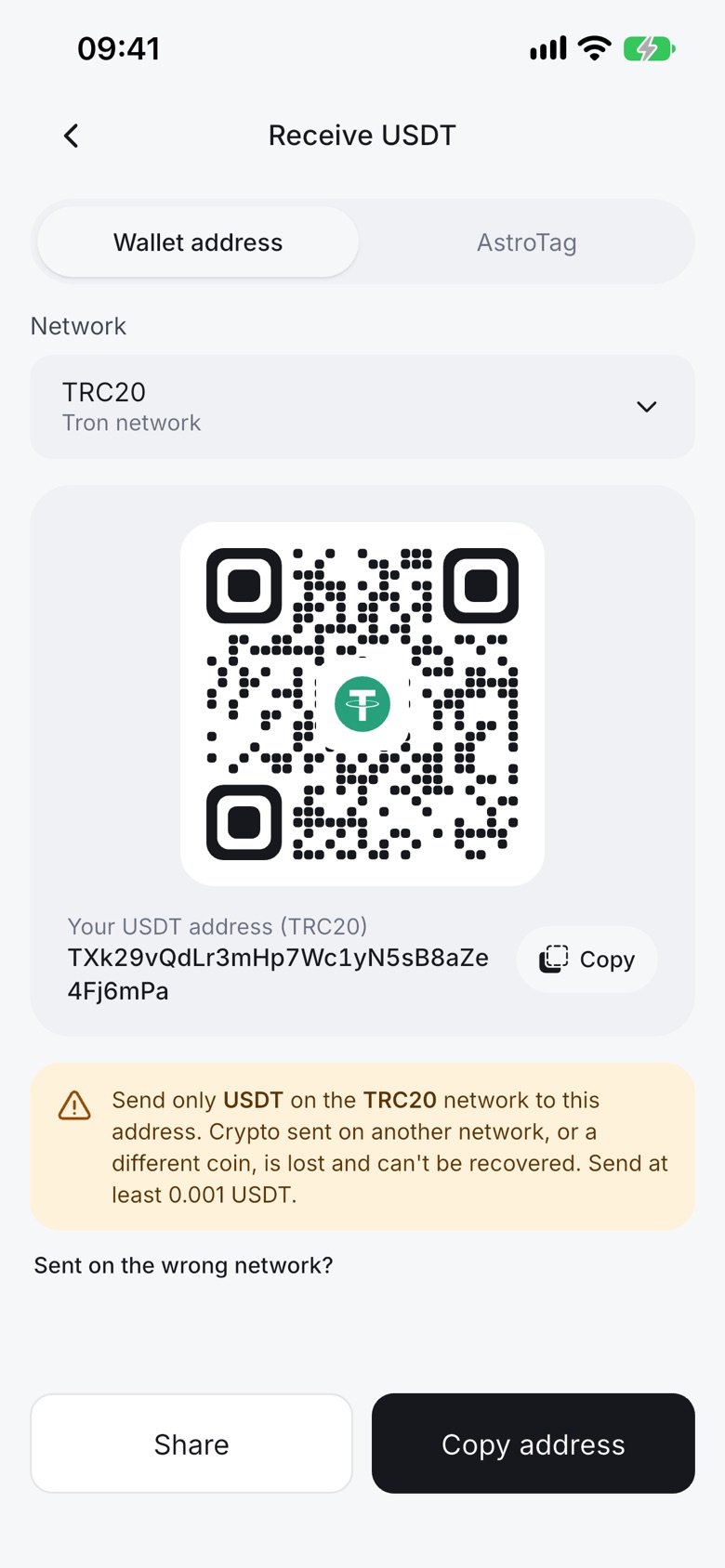
Receive crypto into your own Astro wallet and hold it for as long as you like. You don't have to sell straight away.
How it works
- Open the coin and tap Receive.
- Pick the network and copy your address or share the QR code.
- Your deposit shows up after the network confirms it.
Good to know
- USDT works on TRC20, BEP20 and ERC20.
- Always deposit on the network shown. Crypto sent on the wrong network can't be recovered.
Send to other wallets
Send crypto from Astro to Binance, Trust Wallet, MetaMask or any other wallet.
How it works
- Open the coin and tap Send.
- Paste the address and pick the correct network.
- Review and confirm with your PIN.
Good to know
- If a send fails, the amount and Astro's fee come back to you.
- Turn on the two-step check for extra protection on sends.
Astro Tag
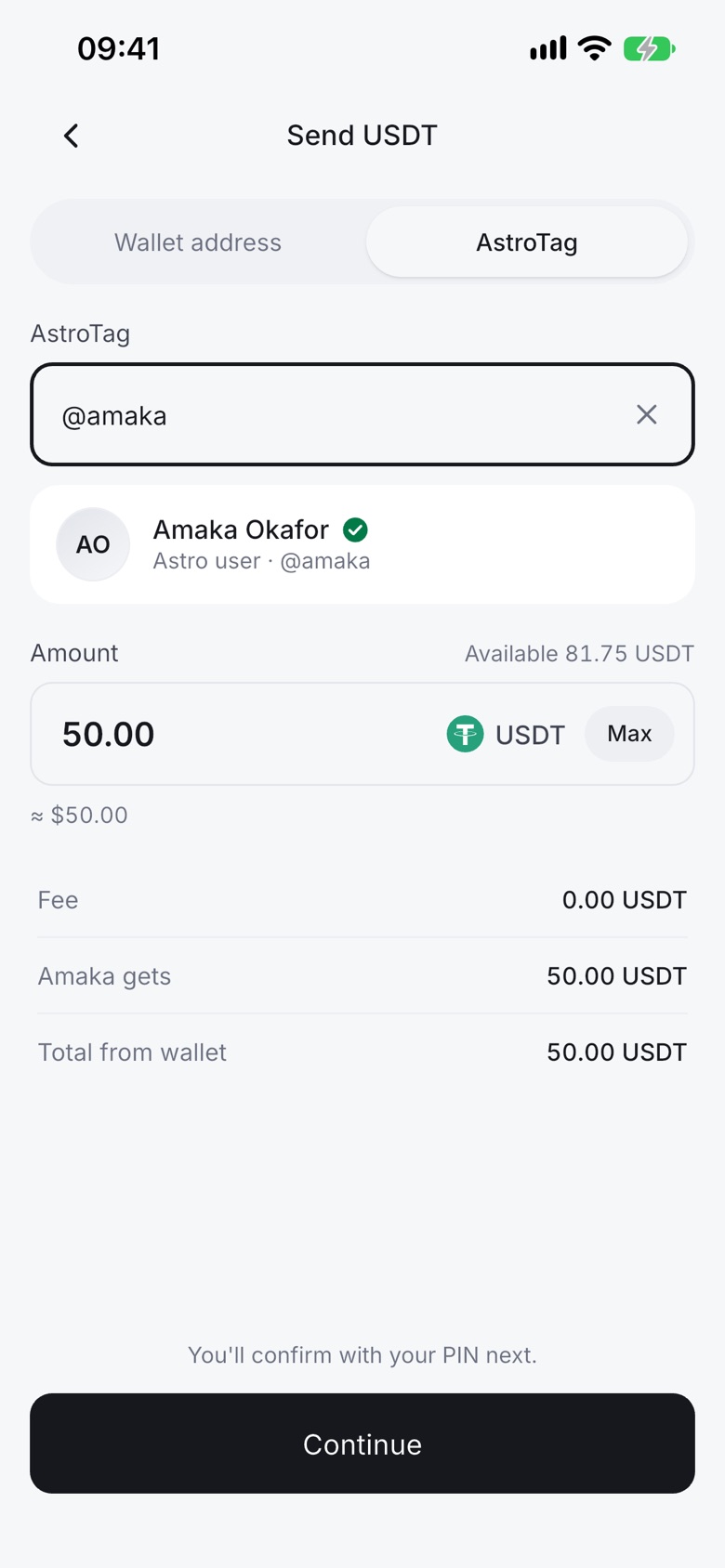
Every Astro user has an Astro Tag. Use it to send money to another Astro user without long addresses.
How it works
- Tap Send and choose Astro Tag.
- Type their tag and the amount.
- Confirm with your PIN.
Good to know
- Crypto Astro Tag sends are free and go to any Astro user.
- Cedis Astro Tag transfers go to other Ghana users.
- Your Astro Tag can't be changed.
Withdrawals
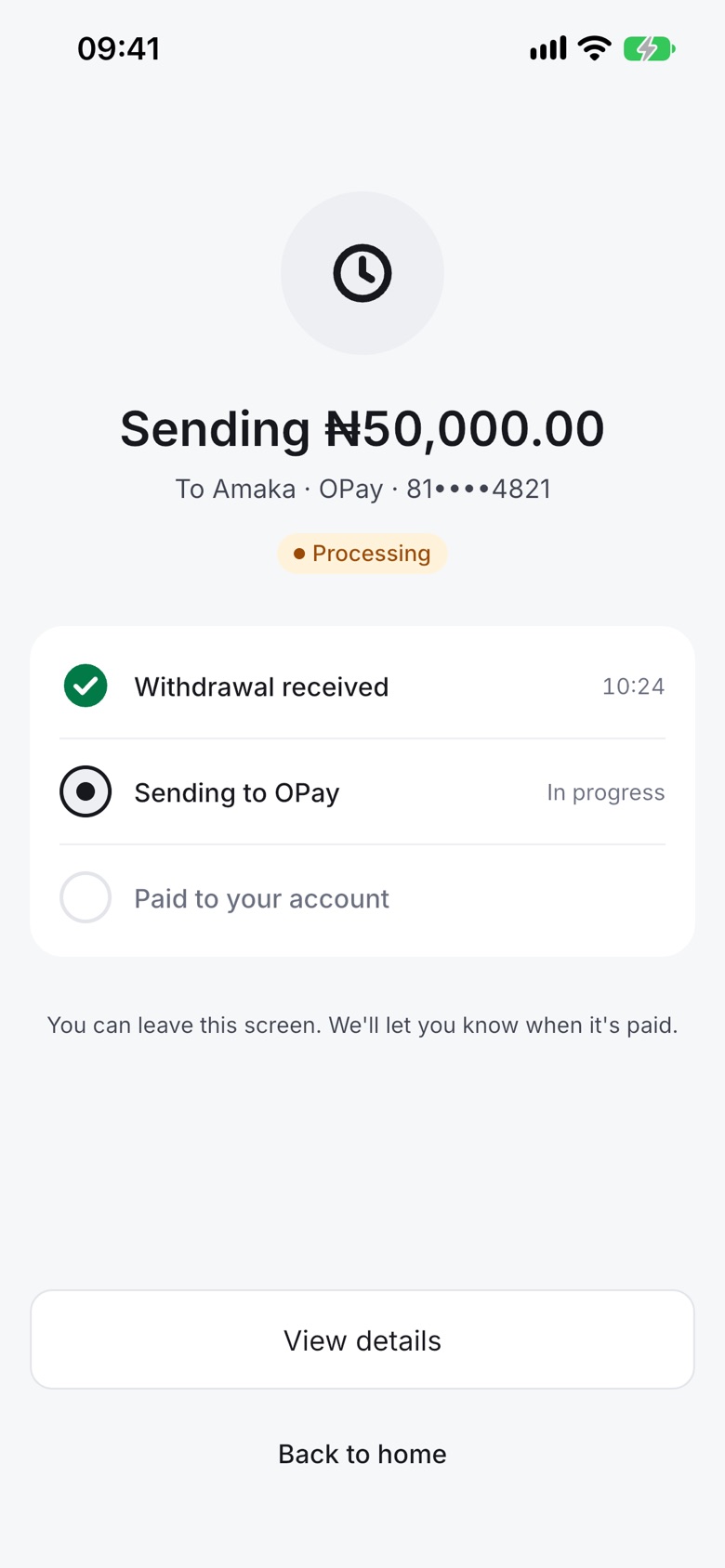
Move naira to your bank or cedis to mobile money whenever you like.
How it works
- Open your naira or cedis wallet and tap Withdraw.
- Pick your account and enter the amount.
- Confirm with your PIN, then follow it in the app.
Good to know
- The smallest naira withdrawal is ₦300. There's no daily limit on cedis withdrawals for now.
- A withdrawal can't be cancelled once submitted.
- If a withdrawal fails, everything taken comes back, including the fee.
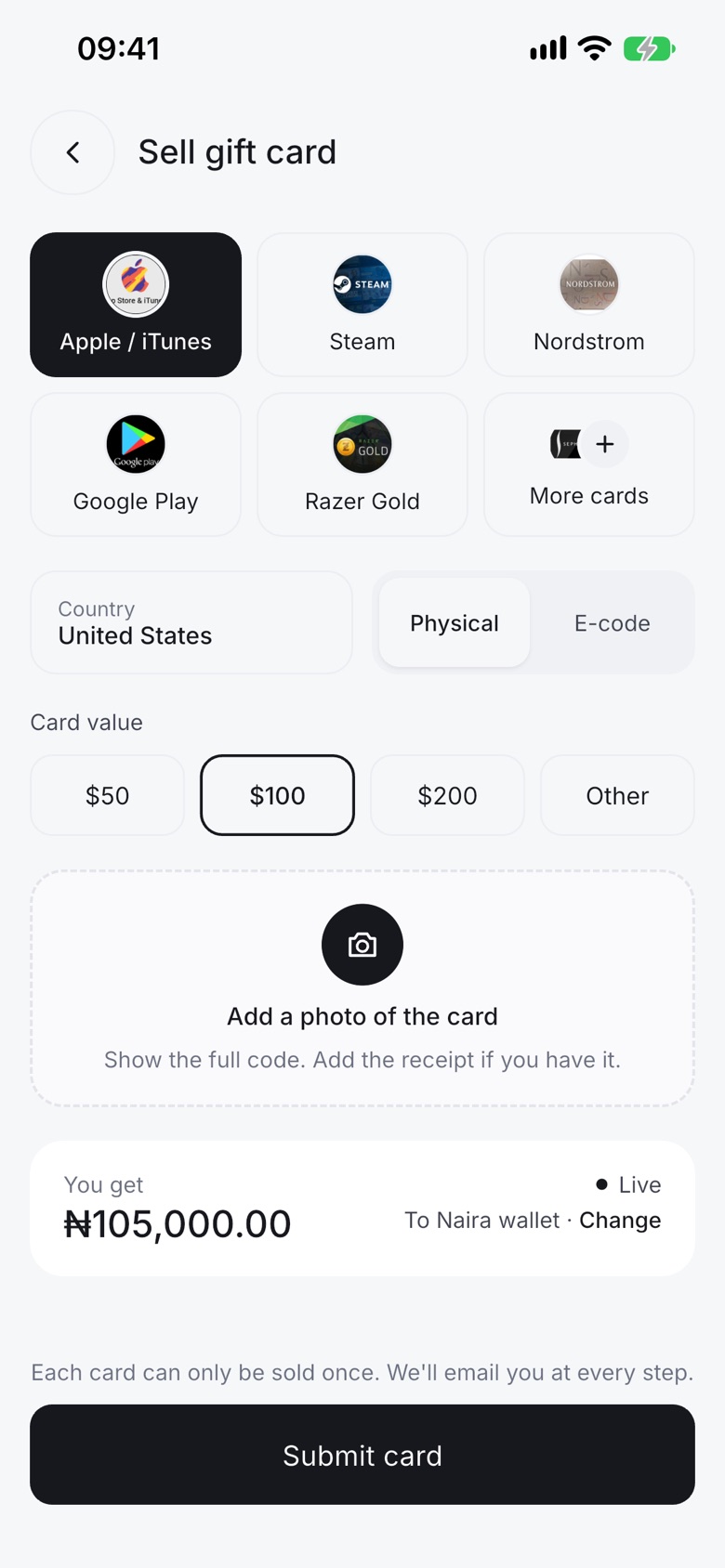
Sell gift cards
Sell your gift cards for naira in Nigeria or cedis in Ghana.
How it works
- Choose the card and its country.
- Enter the value and add clear photos (or the code for e-codes).
- Check the amount and submit.
Good to know
- Rates depend on the card, country, value, receipt and the market. The app shows the rate before you submit.
- A sale can't be cancelled once submitted.
- Visa gift cards aren't accepted at the moment.
Astro AI
Astro AI is the helper inside the app. Ask it anything about Astro, crypto or your own account, any time of day, and reach a person whenever you need one.
How it works
- Open Help in the app.
- Ask your question in your own words.
- Ask for a person at any time and the chat moves to our support team.
Good to know
- Available 24/7 in the app.
- It can check your own trades, sales and withdrawals. It never moves money.
- When it passes you to a person, your summary goes with you.
If it fails, the full amount and the fee come back to your naira wallet.
A person from Astro will reply.Talk to a person
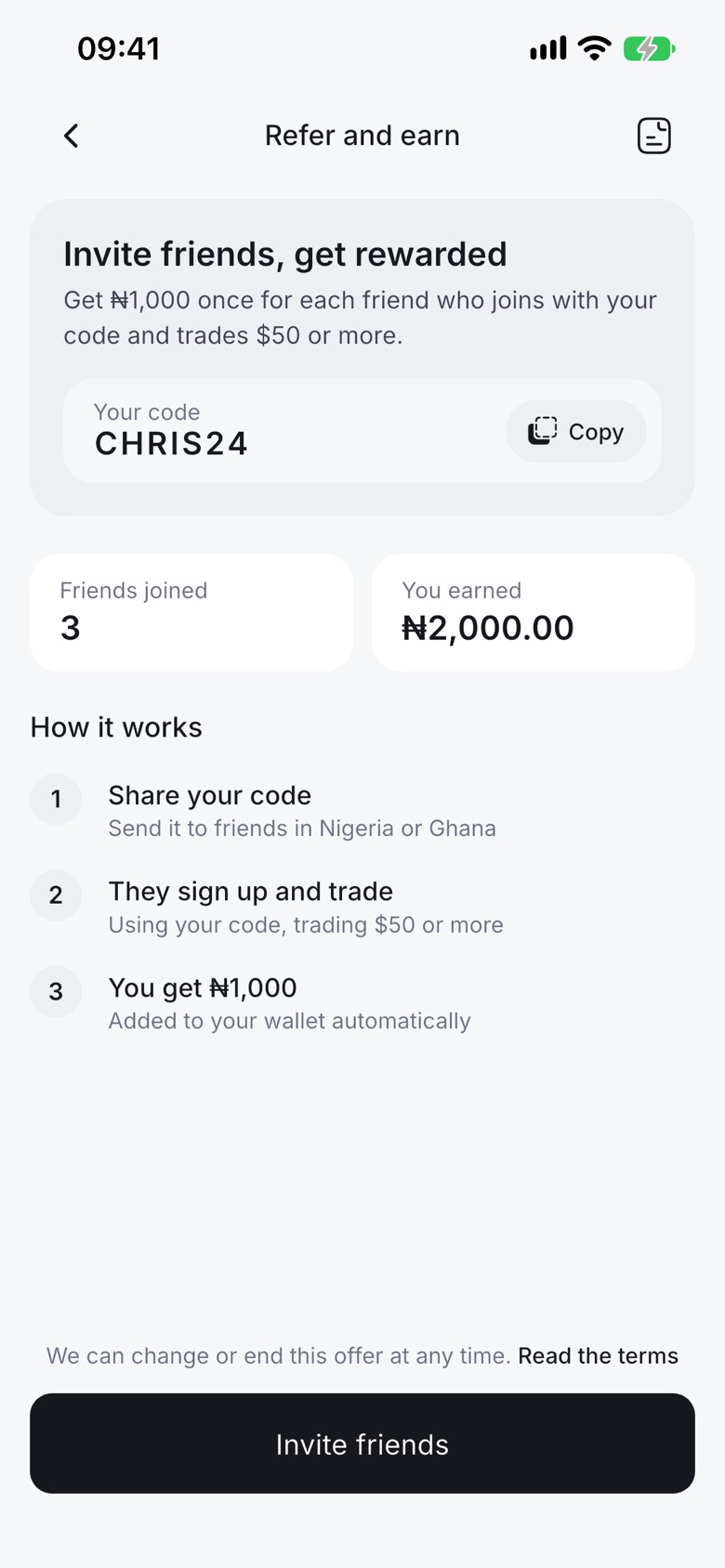
Invite friends
Share your invite link. When a friend you invite trades enough, you get a reward.
How it works
- Open Invite friends in the app.
- Share your link.
- Your reward is added automatically when your friend reaches the target.
Good to know
- One reward per friend.
- The app shows the current reward and target.
Security
Every withdrawal and crypto send needs your transaction PIN. Face ID can unlock the app and confirm payments, and you can add a two-step check with an authenticator app for crypto sends.
Read more about security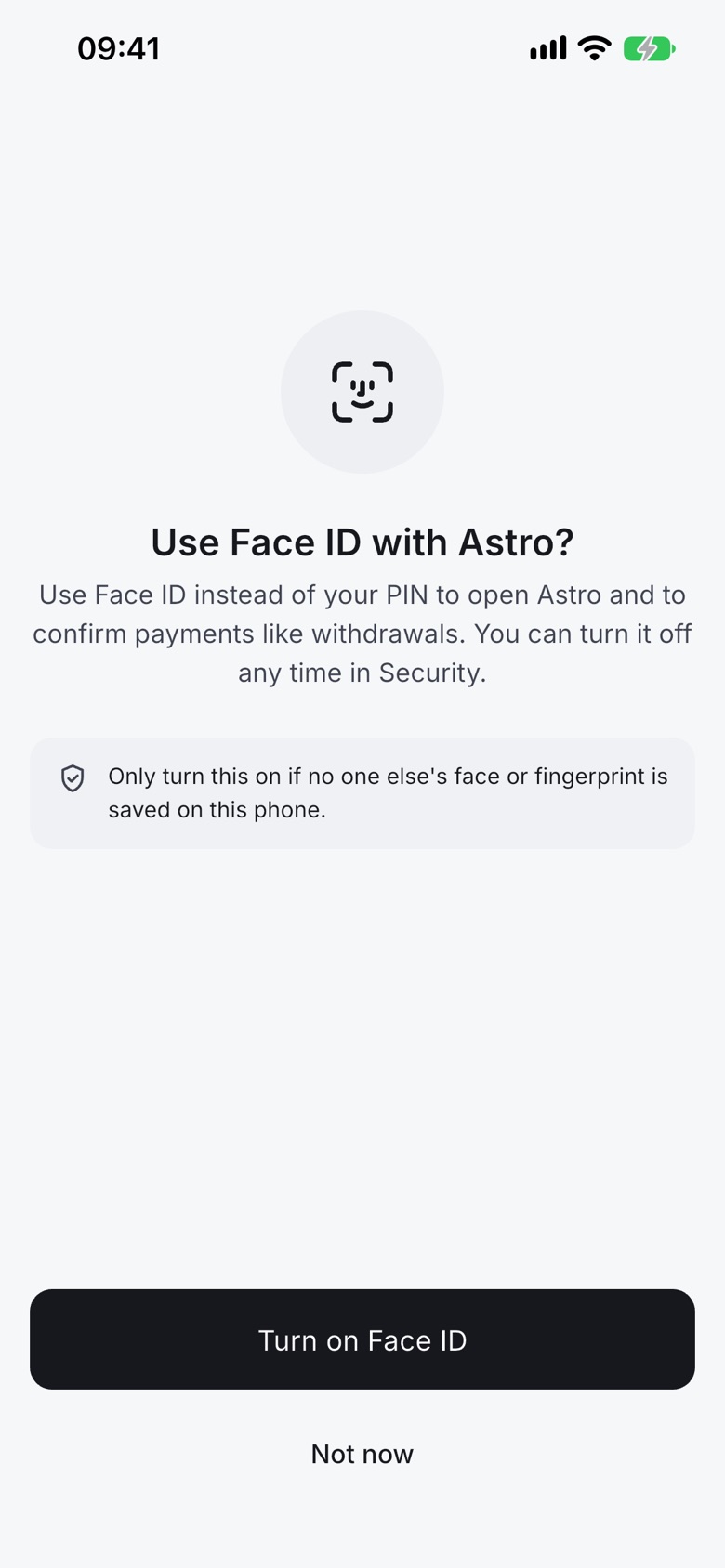
Verification
You can sign up, trade crypto and withdraw crypto without verification. Some features need it.
| What you want to do | Verification |
|---|---|
| Sign up | Not needed |
| Trade crypto, withdraw crypto | Not needed |
| Nigerian bank accounts and account-based features | Needed |
Your name can't be changed after your BVN is verified.
Availability
What you can do in each country today.
| Feature | Nigeria | Ghana |
|---|---|---|
| Sell crypto | Bank, incl. OPay and Palmpay | Mobile money |
| Buy crypto | With naira wallet | With cedis balance |
| Fund wallet | Yes | Not yet |
| Instant Swap | Yes | Yes |
| Limit orders (crypto to crypto) | Yes | Yes |
| Sell gift cards | Paid in naira | Paid in cedis |
| Automated Payment | Yes | Not yet |
| Astro Tag | Yes | Yes |
| Send to other wallets | Yes | Yes |
| Astro AI | Yes | Yes |
| Payment links | Coming soon | Coming soon |
Your crypto, paid out in minutes.
Download Astro, create your account with just your email, and make your first trade today.